Everything ceelab does
From designing the template to the printed label, everything happens in a single application.
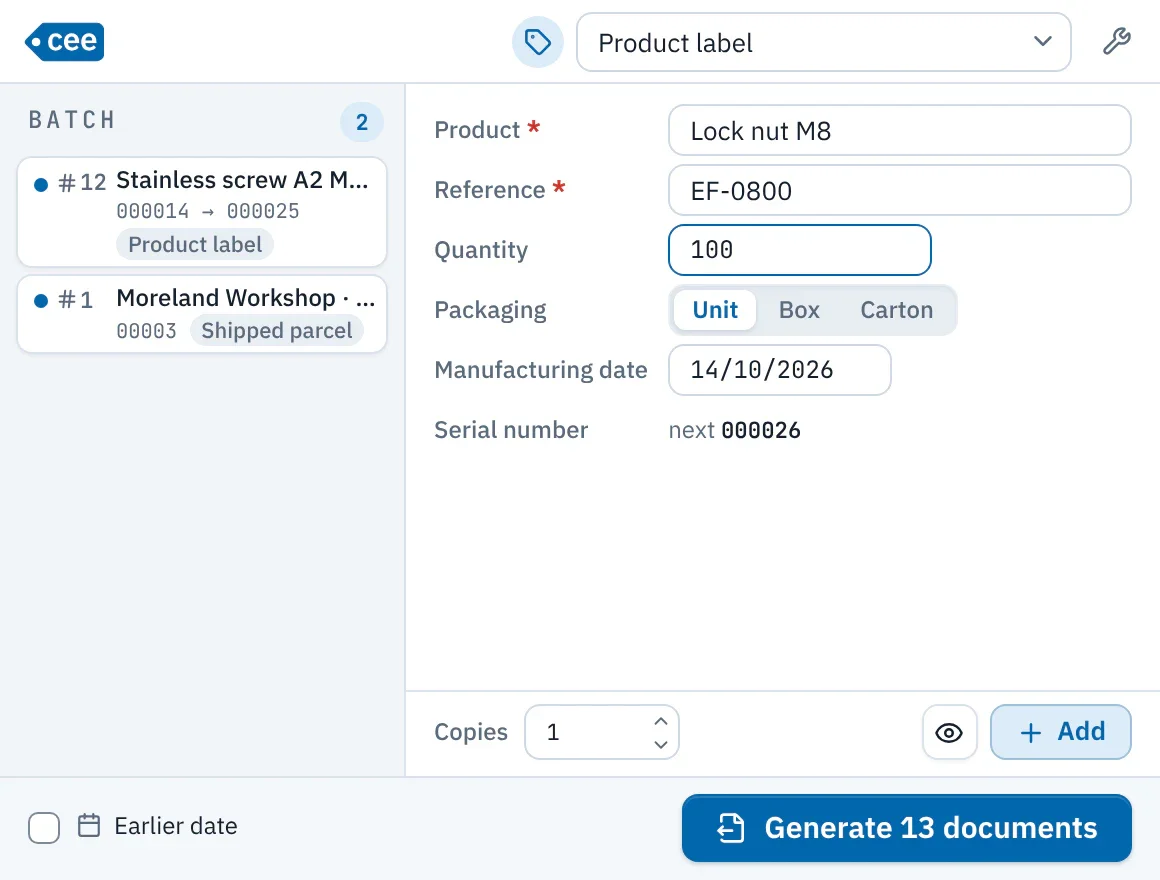
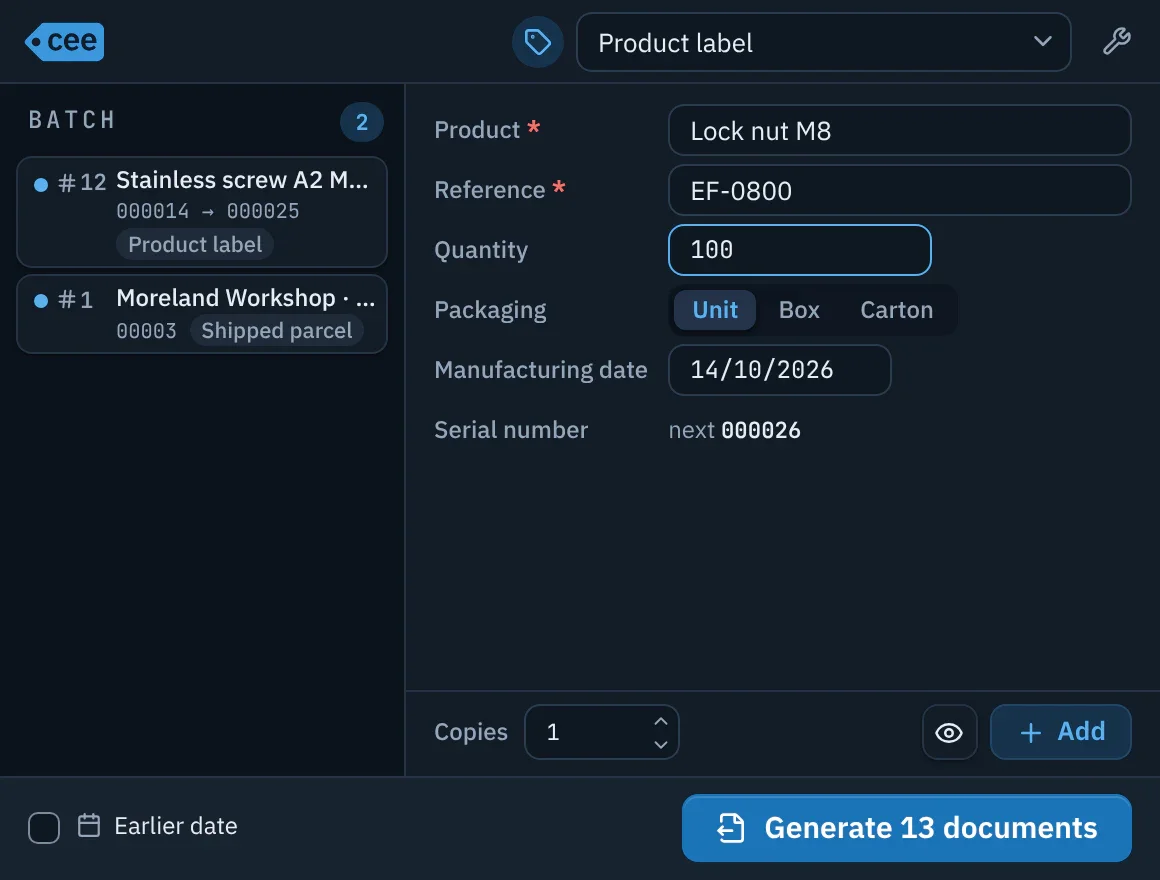
Enter and print
- Choose the document type from a filterable list; ceelab remembers the last one used.
- A clear form: only the fields to enter are shown, and errors are flagged right where they occur.
- Build a batch of several lines, even of different types, and check it with the preview before printing.
- Need to backdate? The documents and the numbering follow the chosen date.
- The button tells you what will come out: “Print 12 labels”, “Generate 12 documents”.
- Everything from the keyboard: Enter moves to the next field, Ctrl+Enter prints, Ctrl+N clears the batch.
A checked result
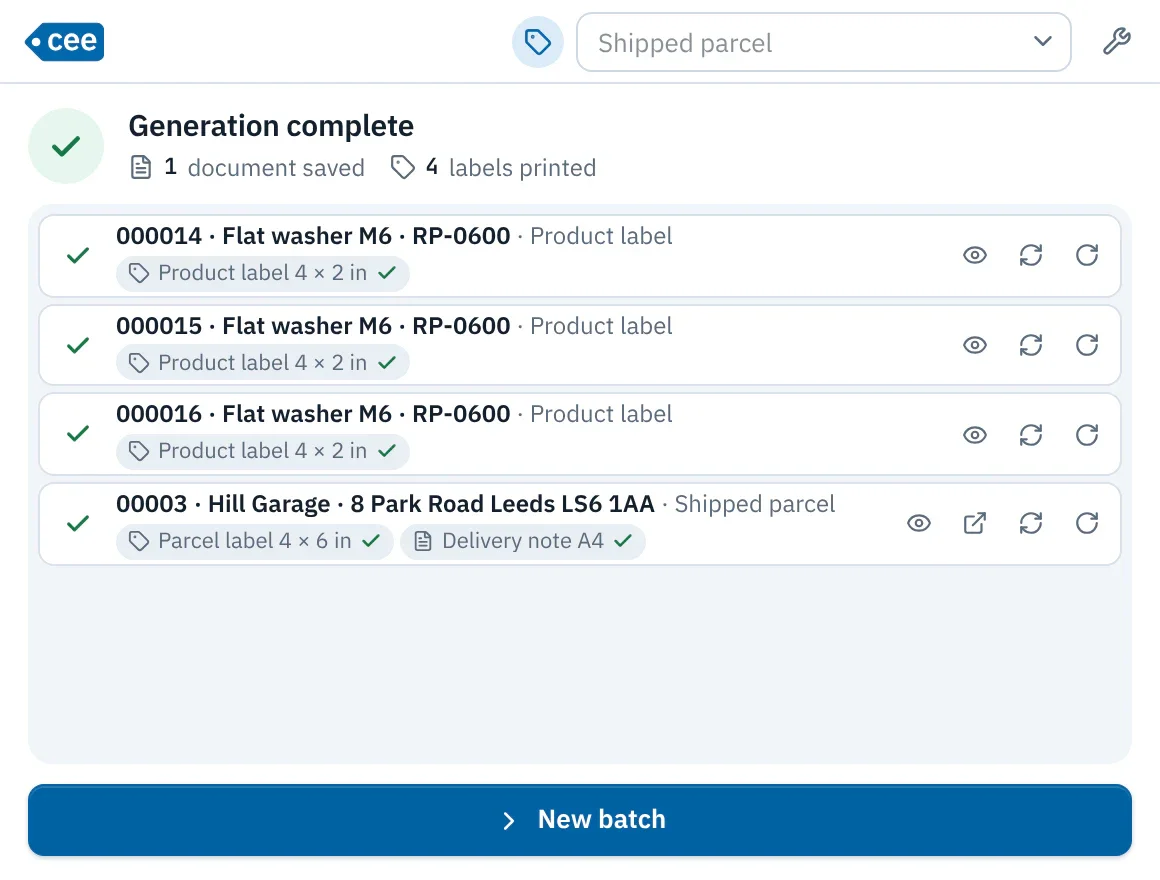
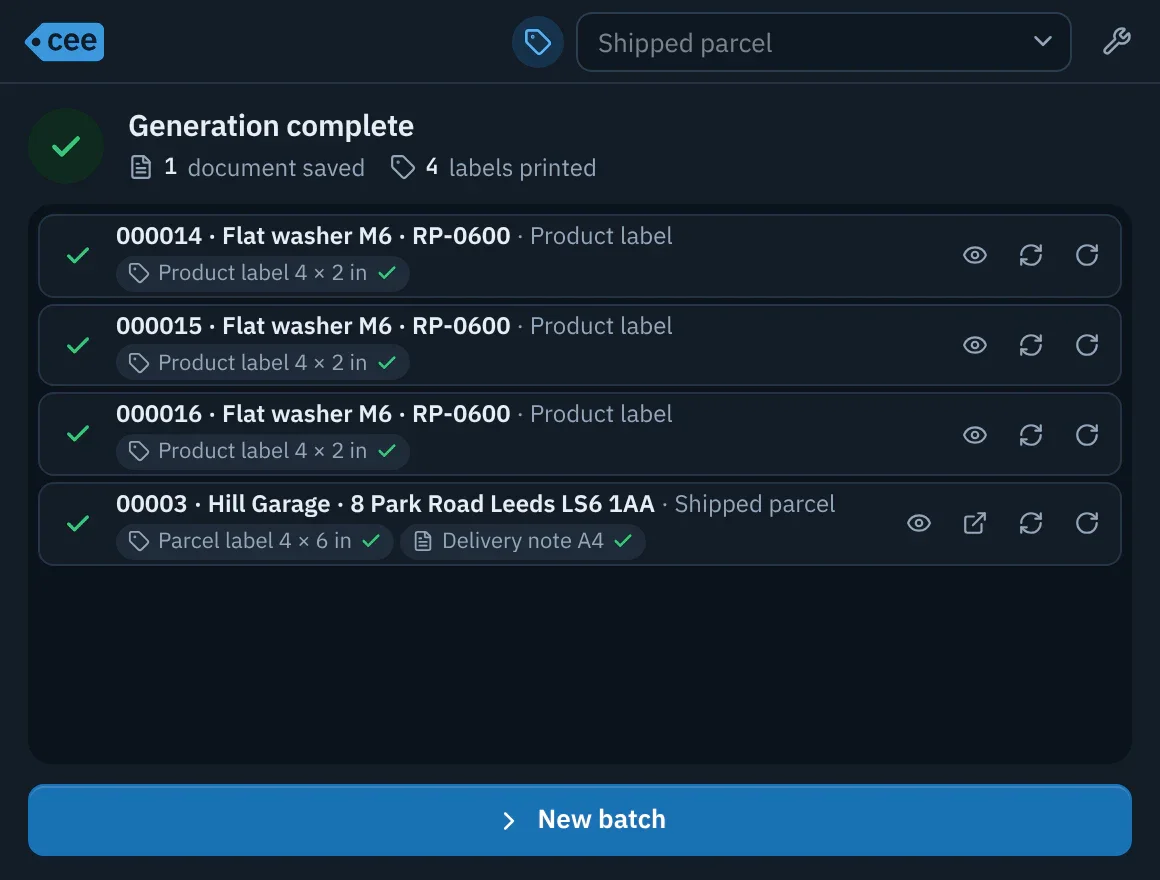
- All the labels in a batch go out together, in order.
- After printing, each document can be reviewed, reopened or reprinted (rotated 180° too) without using up a number.
- The first time you print on a computer, a single test label comes out on its own: you check orientation and alignment before sending the rest.
Tailor-made documents
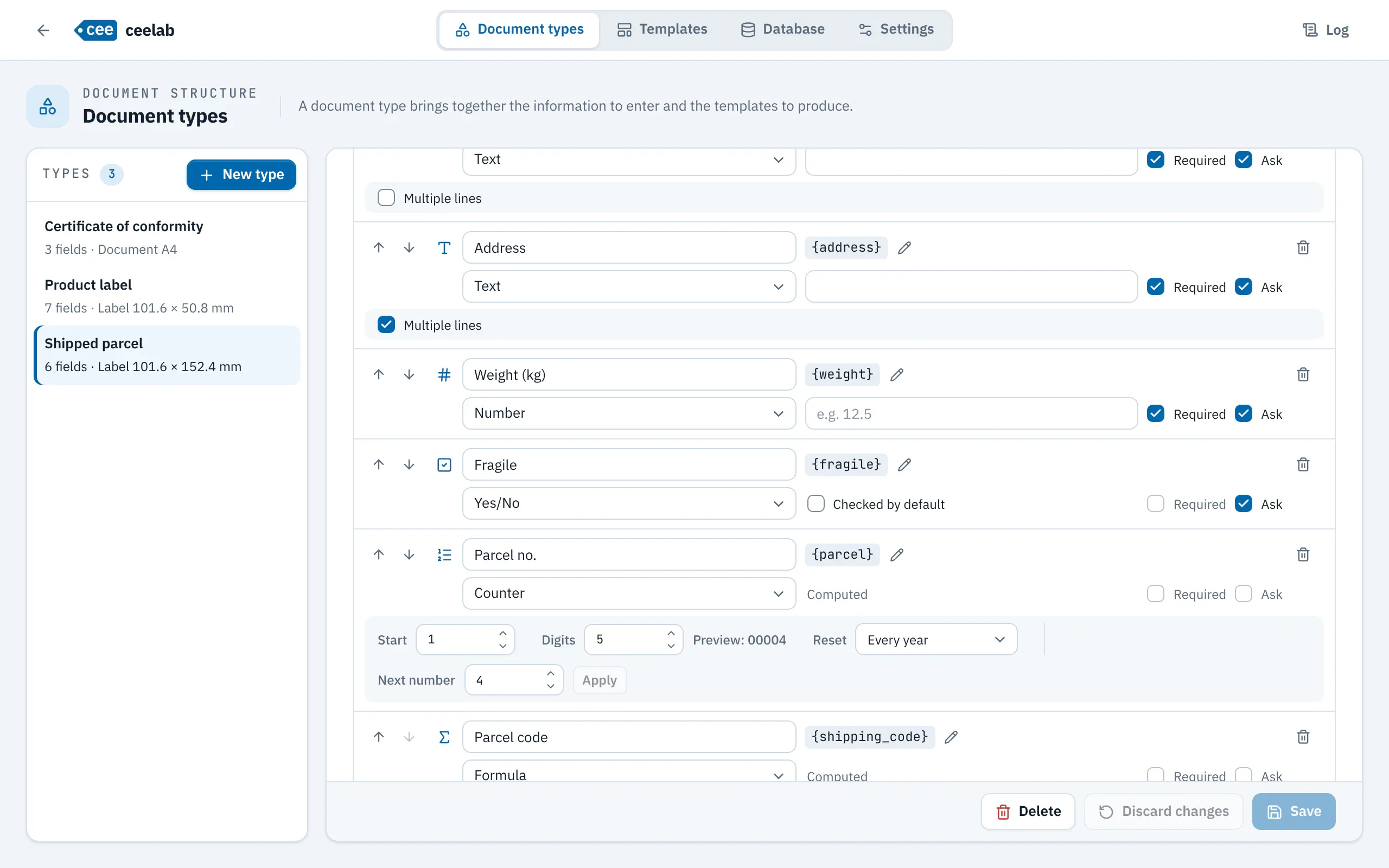
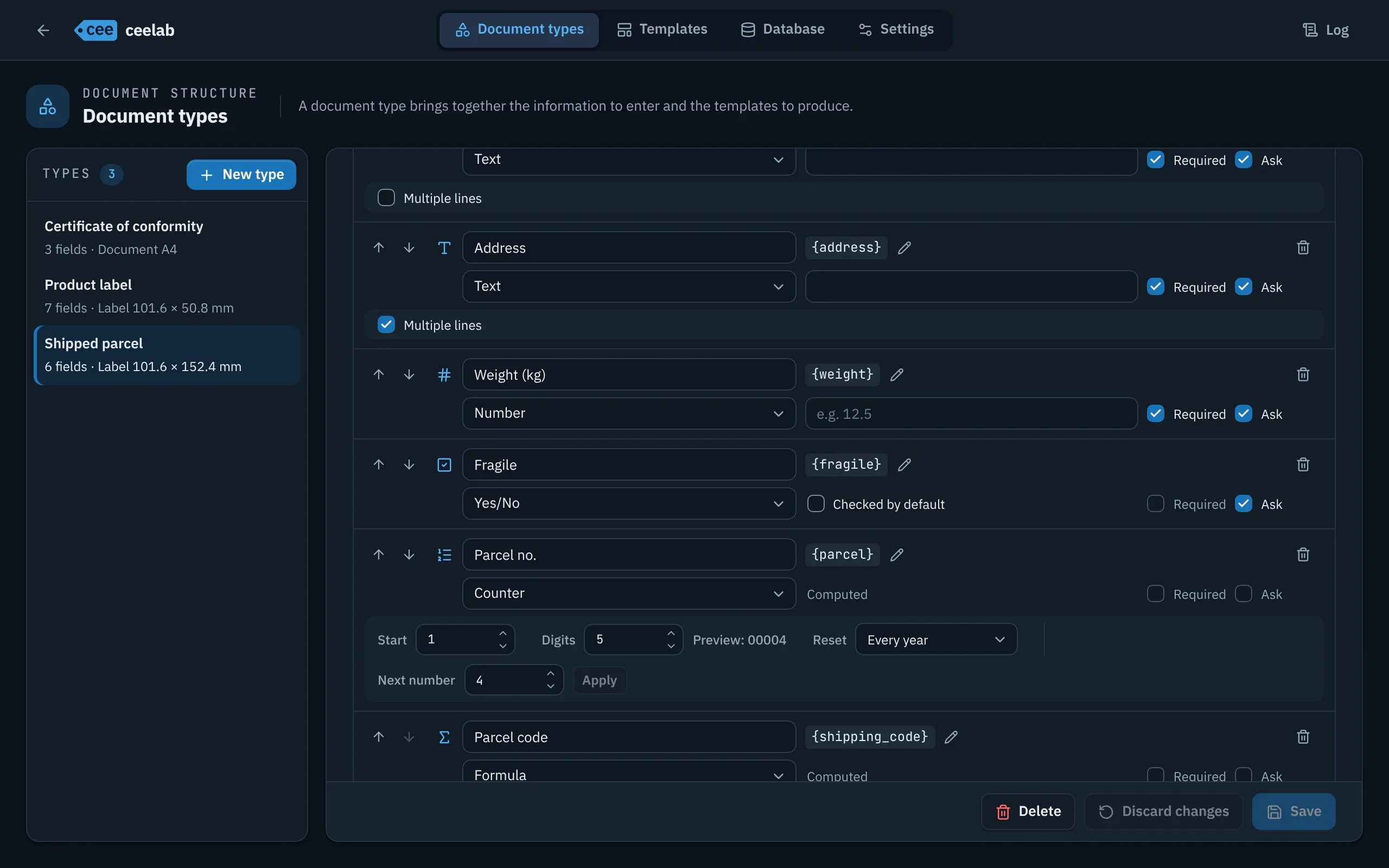
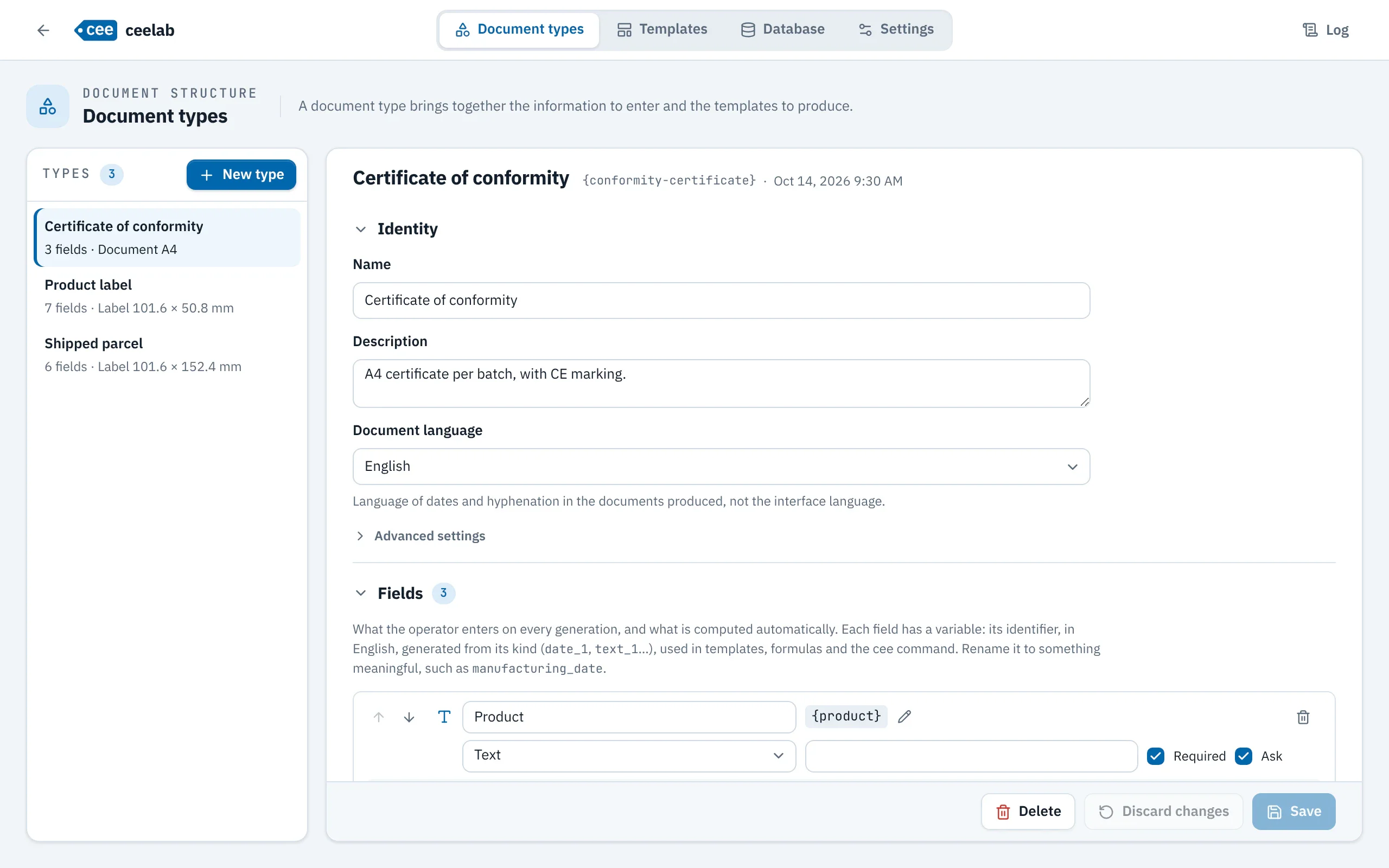
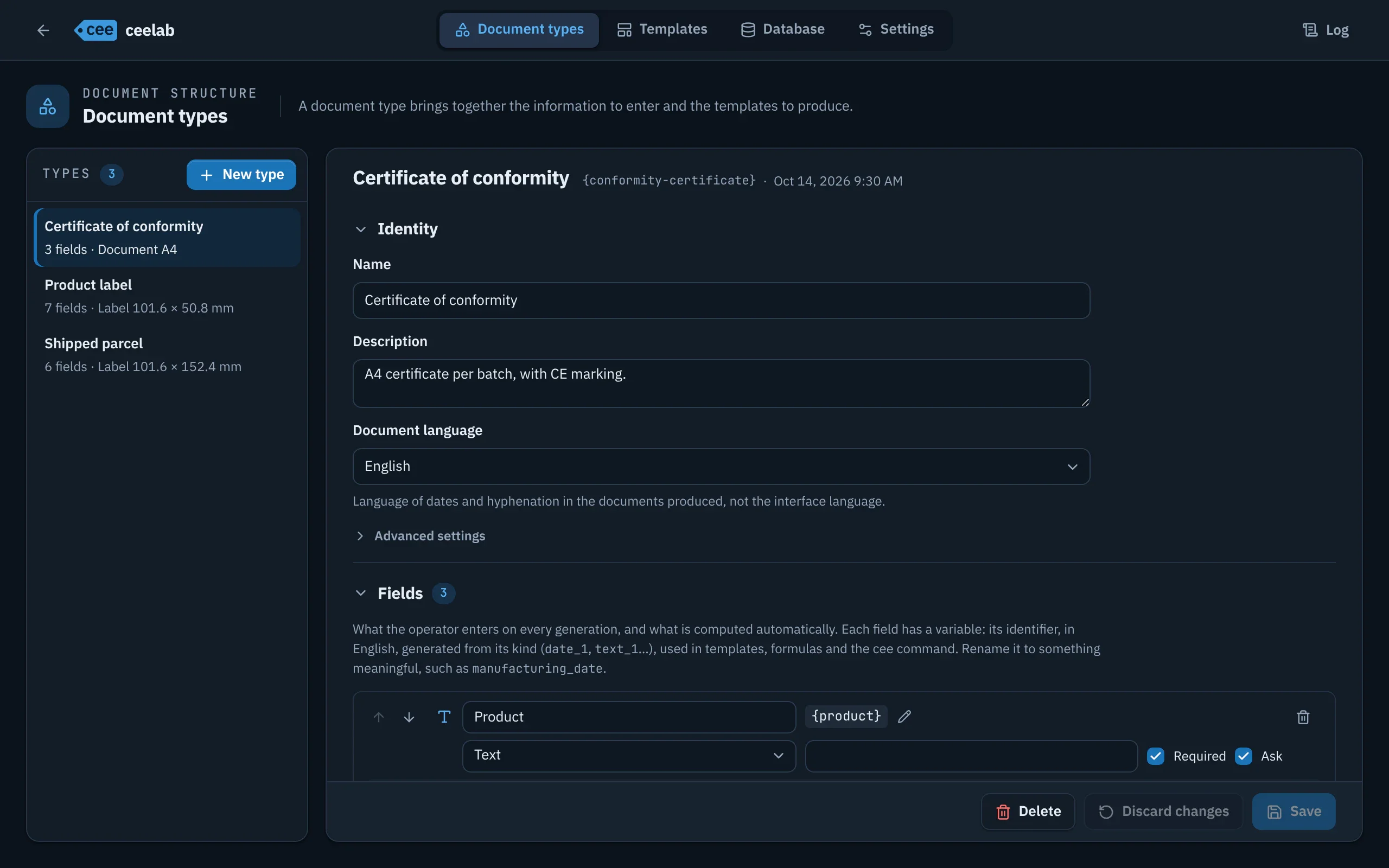
- Eight kinds of fields: text, number, date, choice list, Yes/No, counter, combined, formula.
- Required fields, default values, fixed values never asked of the operator.
- Document language set per type, for dates and formatting.
- PDF file names built from your fields.
Automatic numbering
- Numbers with no ceiling, with as many digits as you choose.
- Reset never, every year, every month or every day.
- The numbers in a batch run in sequence, and every number used stays traced.
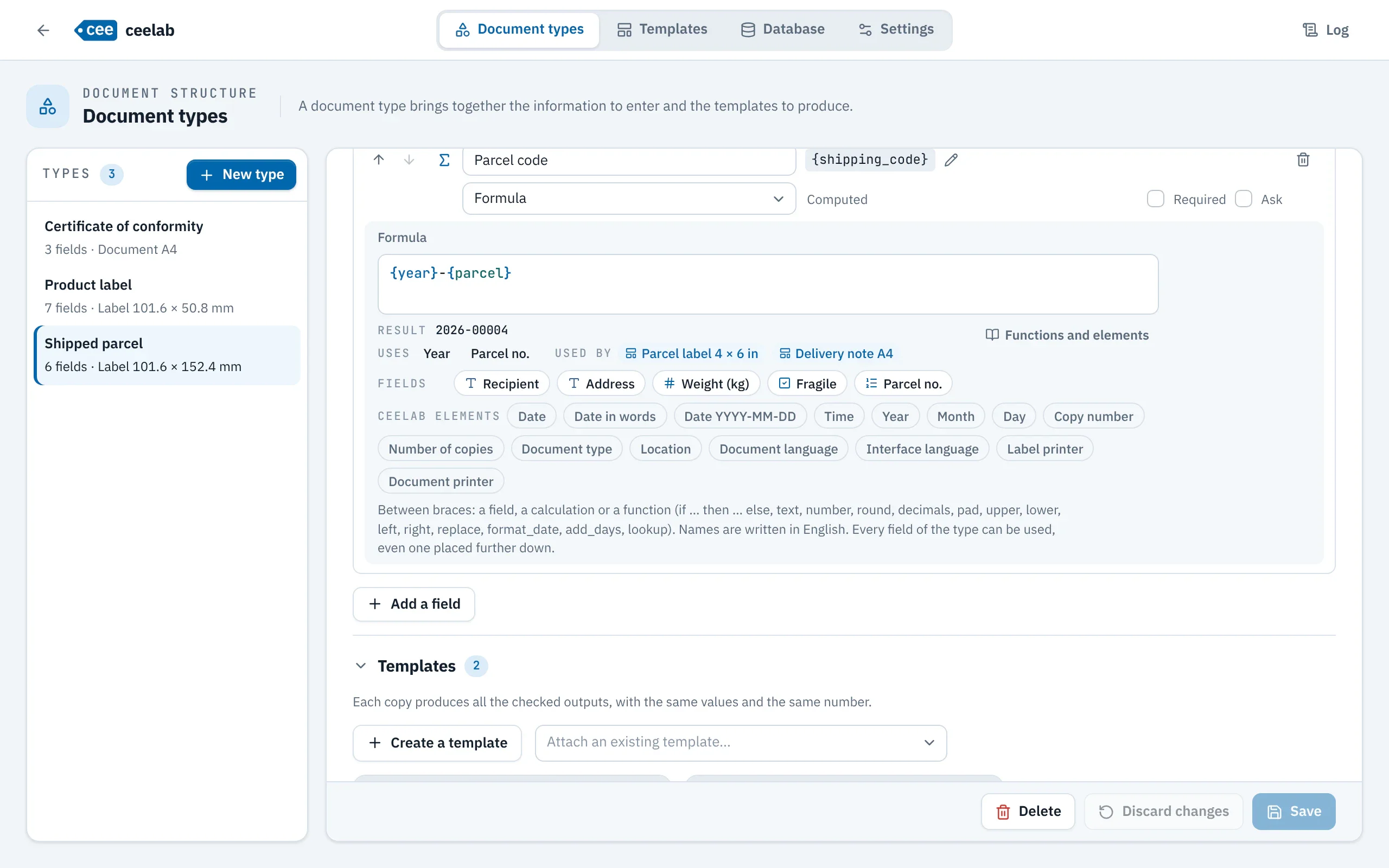
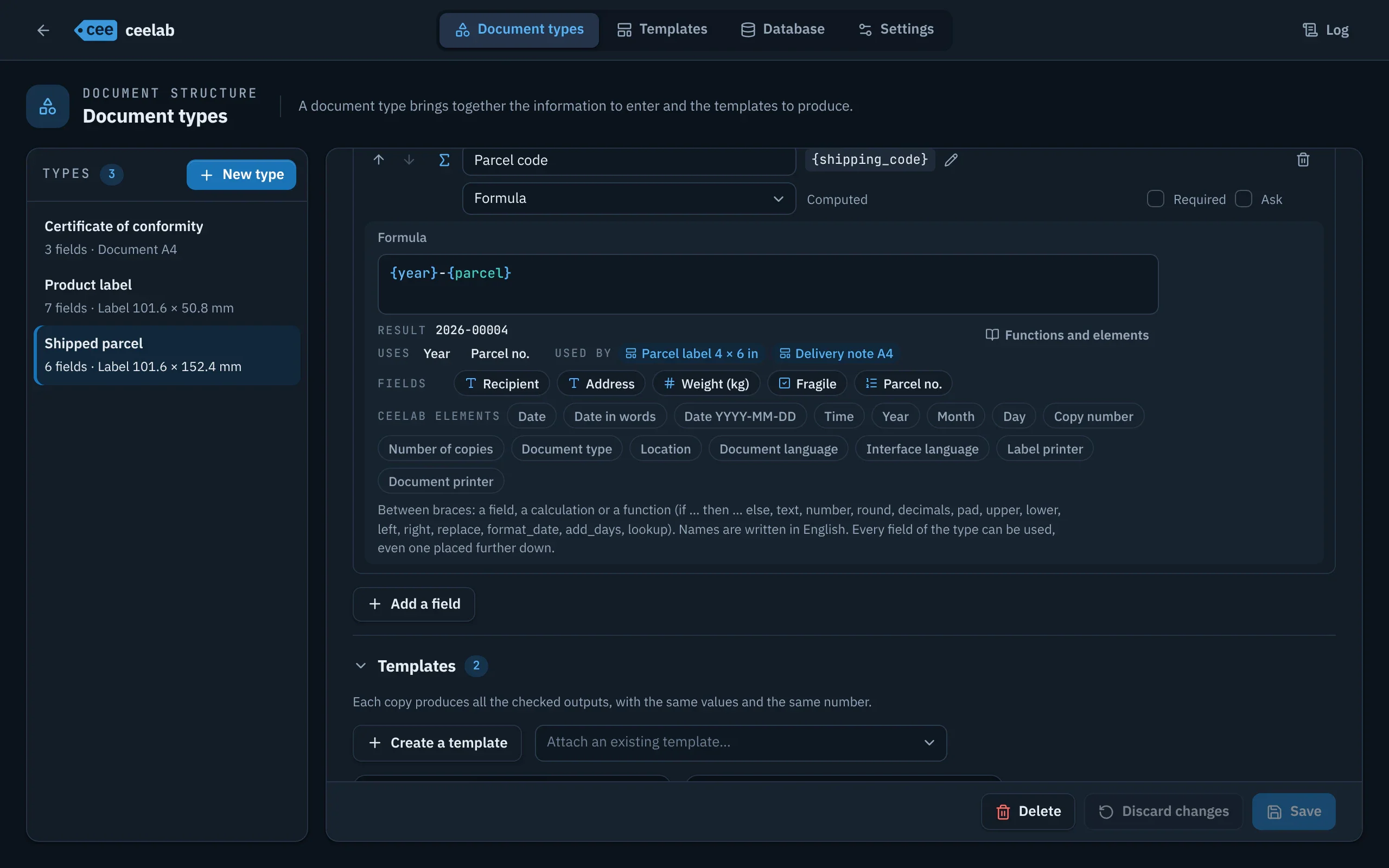
- Build your own codes: 2026-10-0042 for a number reset every month, preceded by the year and the month.
Calculations and conditions
- Composite codes, totals, rounding, formatted dates, uppercase text.
- Conditional notices: “FRAGILE” only when the box is checked, “Pallet” above 100 pieces.
- An editor that completes, explains and shows the result on an example as you type.
- Everything is checked before printing: an error prints nothing and uses up no number.
The lab
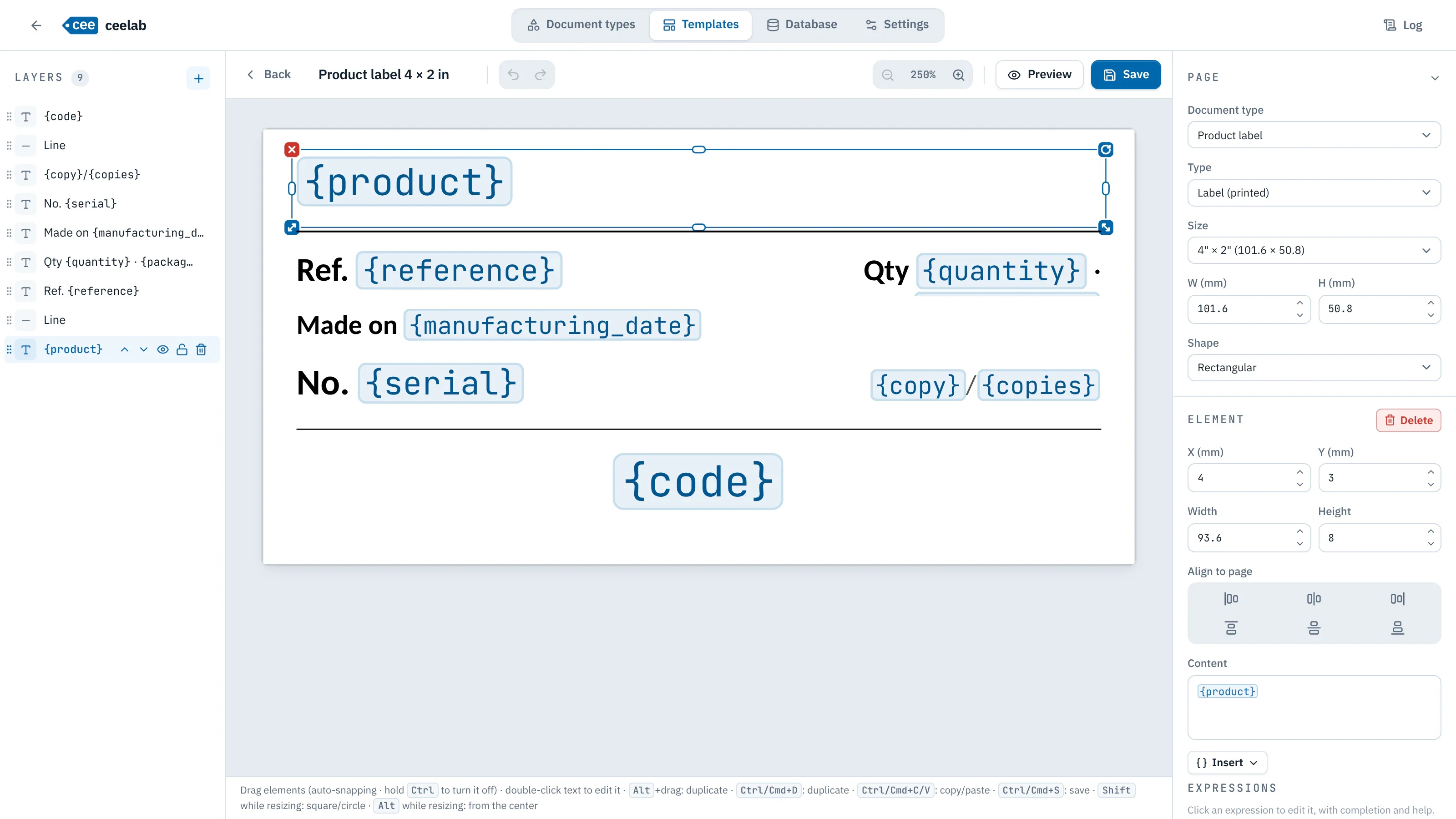
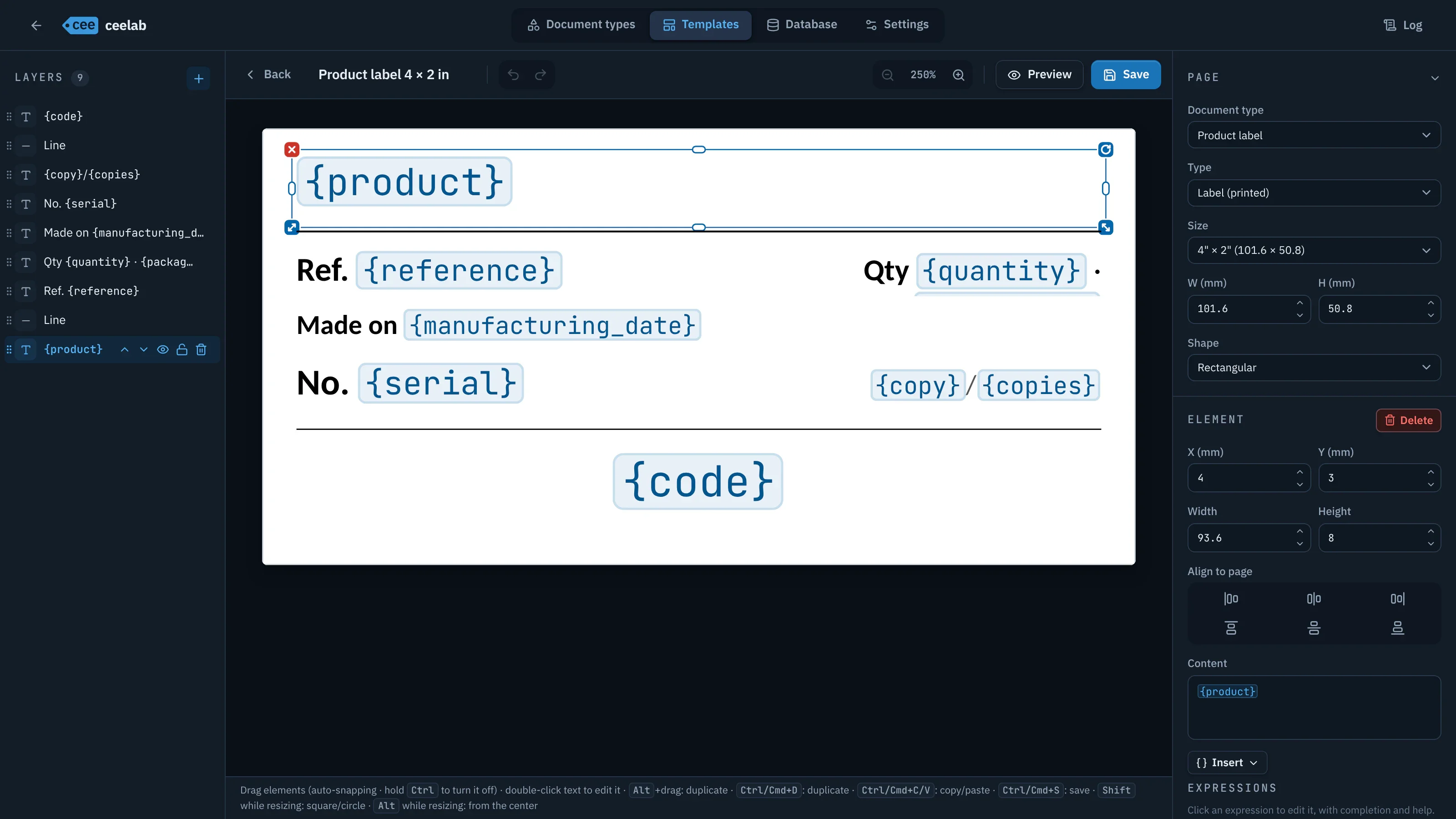
- Text, images, shapes, lines, CE and ATEX markings, accurate to the millimeter.
- Labels of any size, or A4 documents.
- Several templates per type: a label and a document to sign, for example, with the same number.
- Your Word and LibreOffice documents can be imported as a starting point.
All your templates
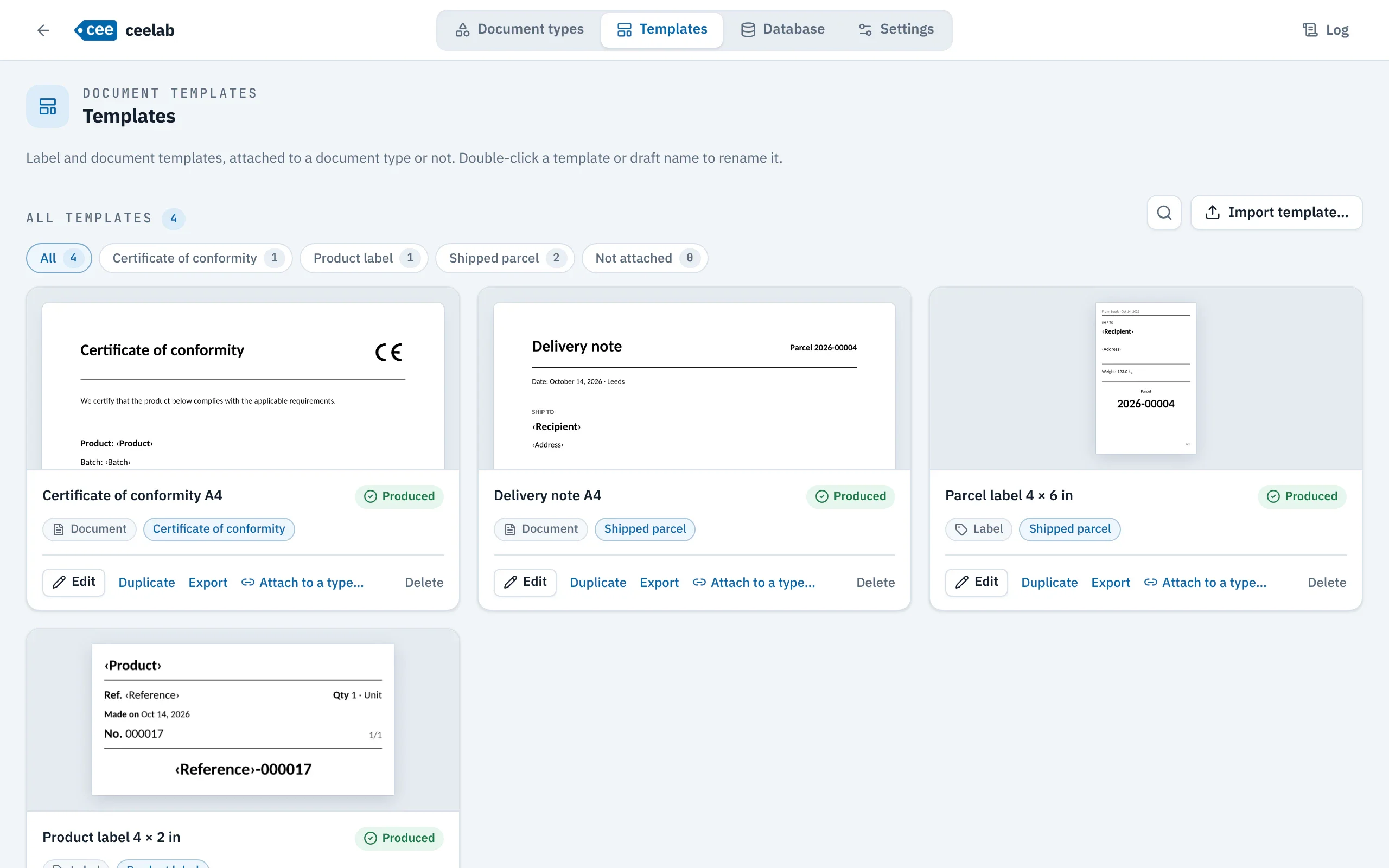
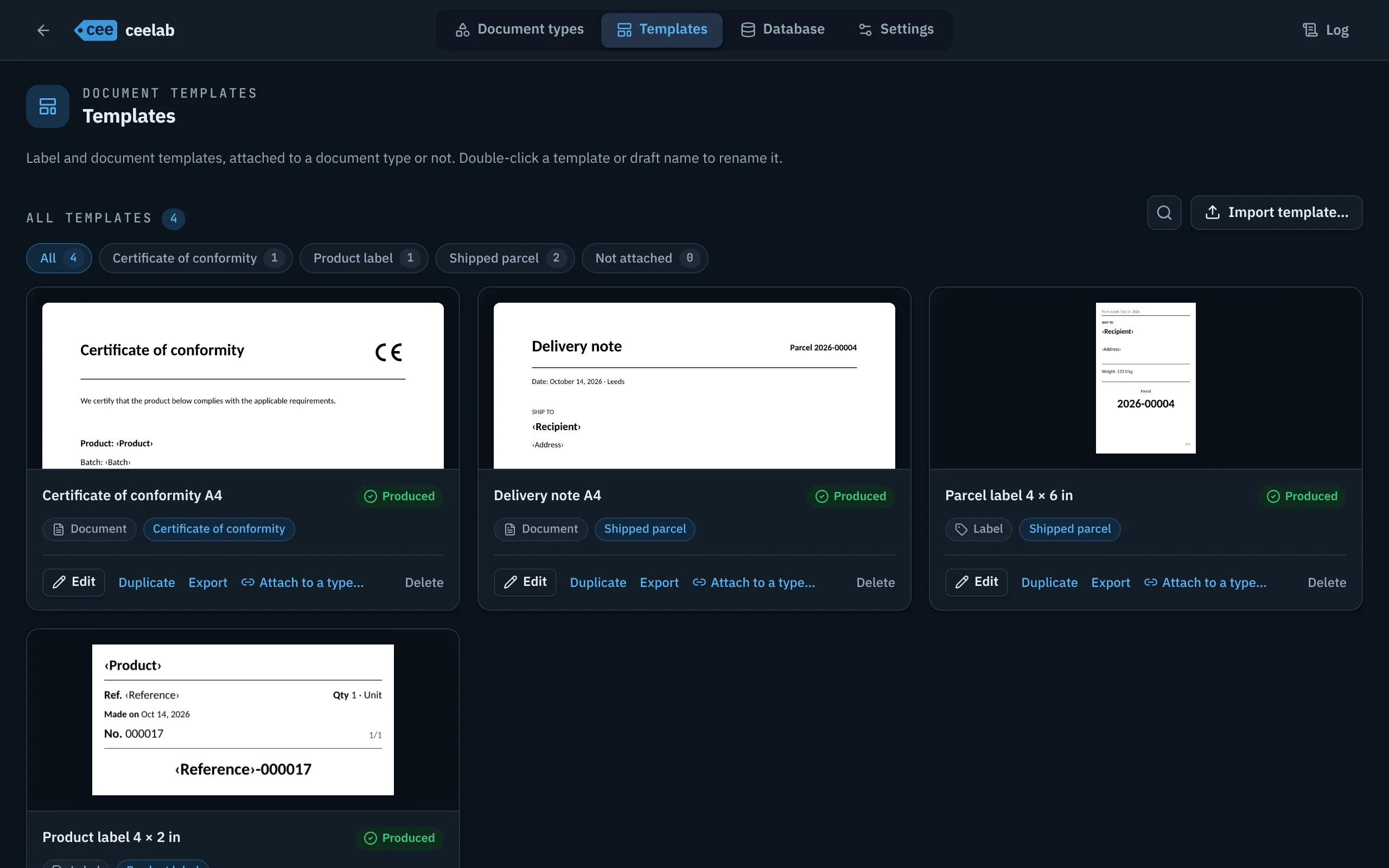
- A gallery with a preview of each template, filterable by type.
- Duplicate, export and share your templates between computers.
History
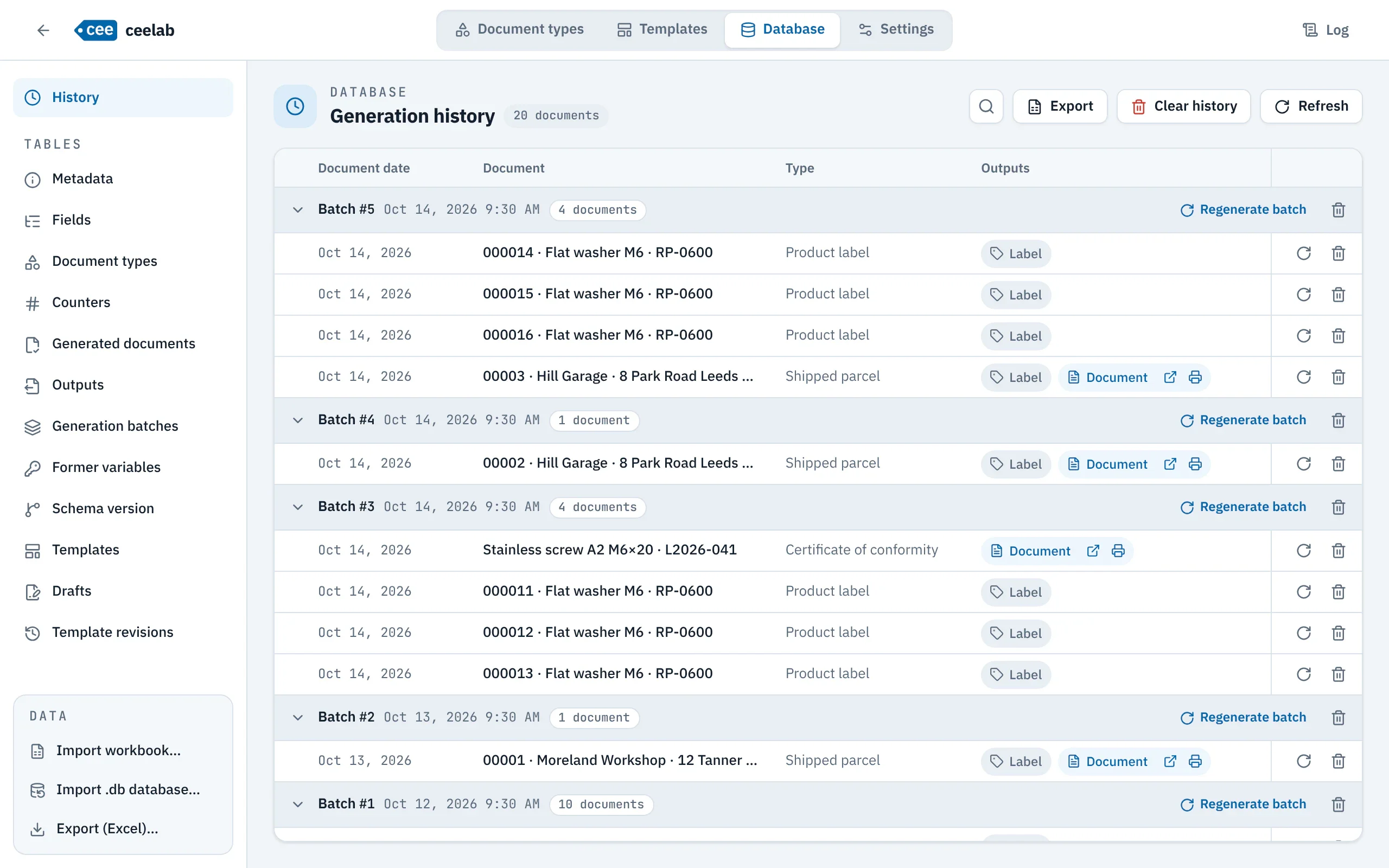
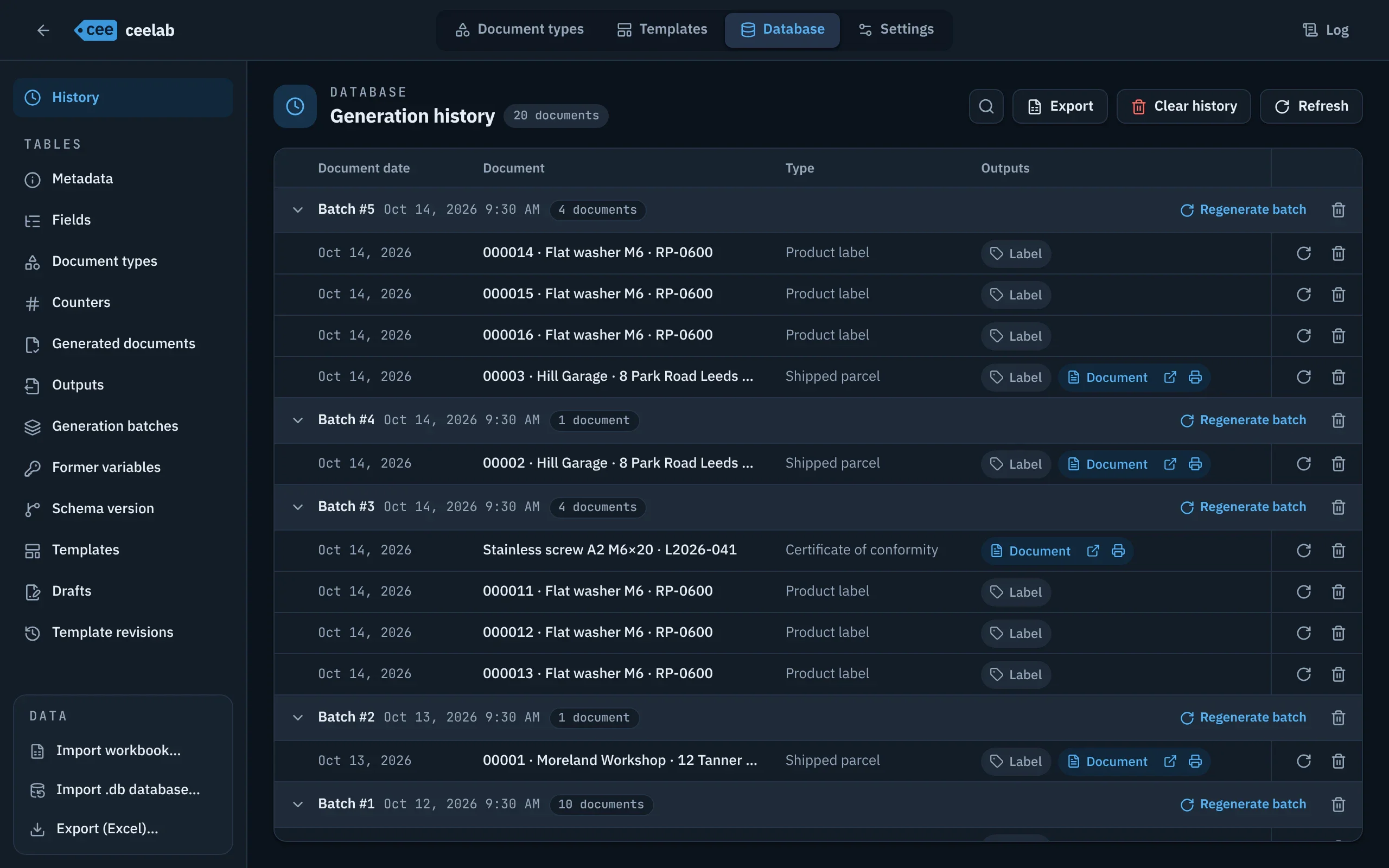
- Every document produced, grouped by batch, with search.
- Regenerate exactly as before: same values, same date, same layout, without using up a number.
- Excel export of the history.
Settings and backup
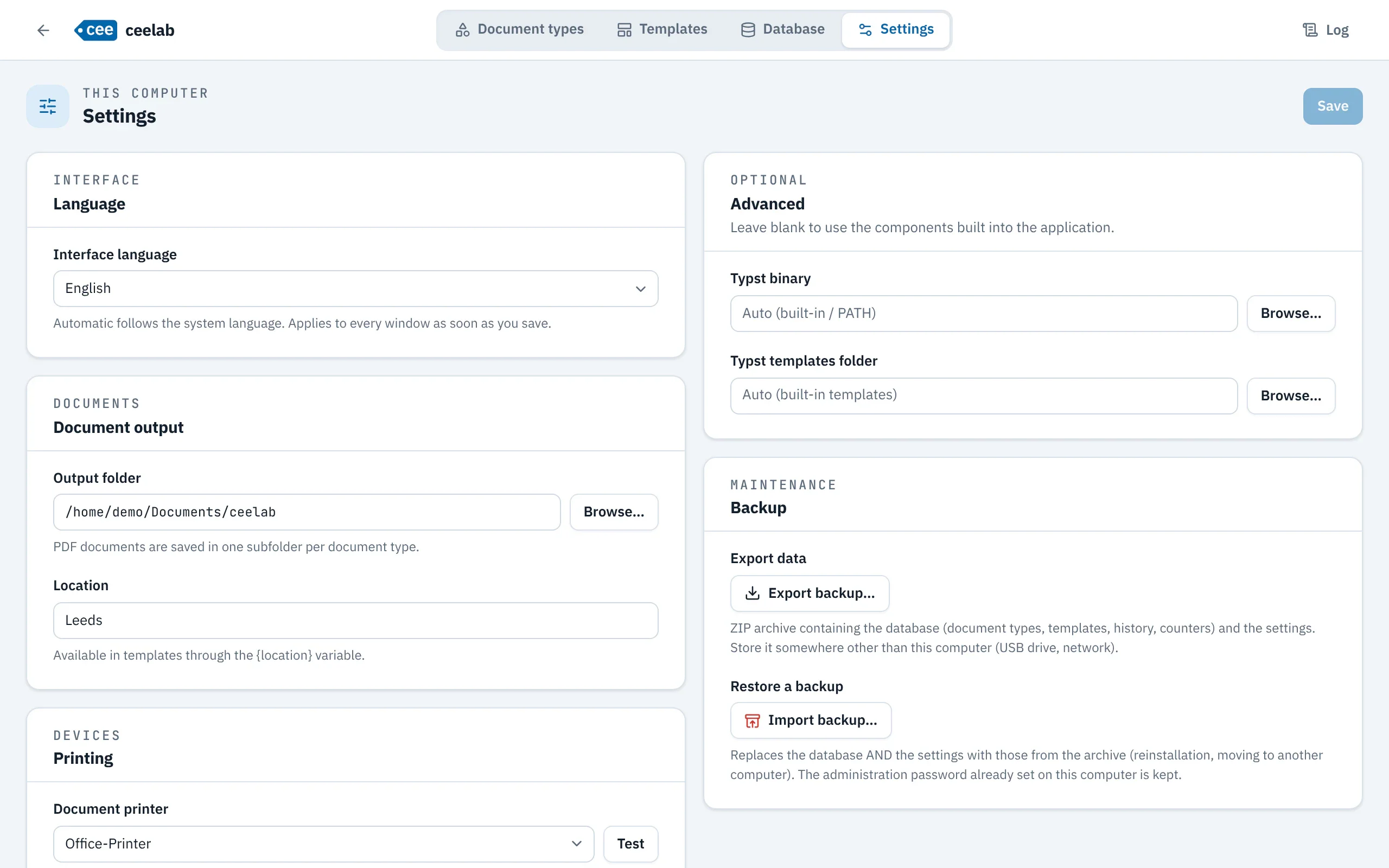
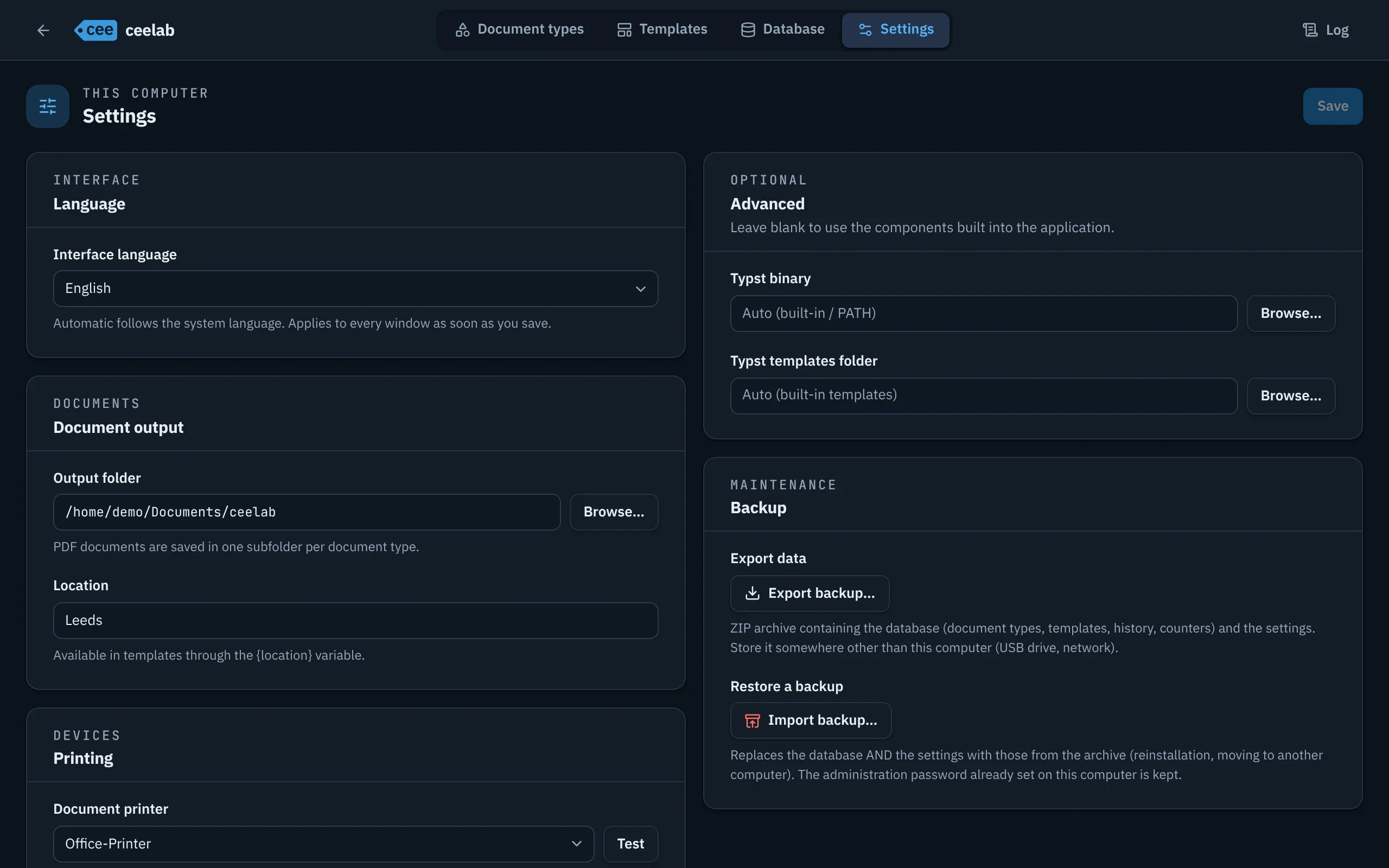
- Language, PDF folder, location, label printer and document printer.
- Complete backup in a single file, restored in one step.
Protected access
- Settings and templates are protected by a password: the operator prints without changing anything by mistake.
- After five incorrect attempts, you go back to the Generation space.
Automation
- The cee command prints, reprints and corrects from your scripts.
- Values are passed directly: --product "Stainless screw".
- Responses your scripts can use, dry run before printing.
- Same numbers and same checks as in the application.
Platforms
- Windows, macOS (Apple Silicon) and Linux.
- Everything is included: nothing else to install.